


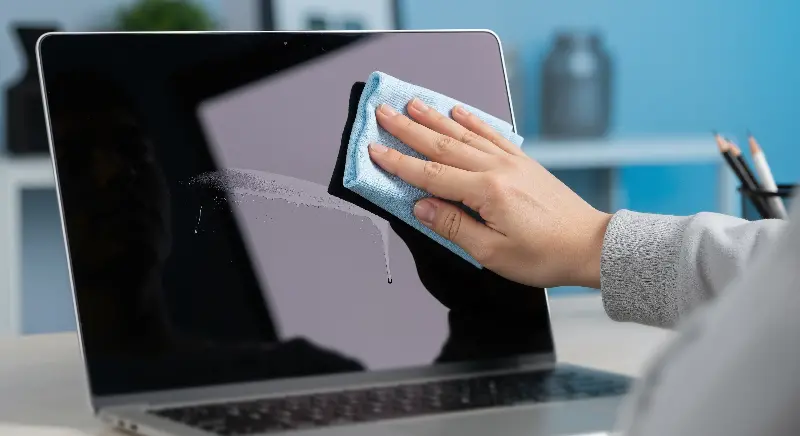
Whether you’re attached to your smartphone, laptop, game console, or household gadgets, keeping devices in top condition is about more than just keeping them dust-free. Proper cleaning and regular maintenance can unlock the secret to longer-lasting technology, saving you from premature upgrades and expensive repairs. Behind every smooth-scrolling screen and fast-charging cable lies a bit of TLC that anyone can manage at home. Here’s your straightforward guide to preserving your tech—and keeping your favorite devices running like new
THE IMPACT OF DIRT ON DEVICE LIFESPAN
Everyday buildup may seem innocent, but dust, crumbs, and grime are the silent saboteurs of electronics. Small particles work their way into keyboards, fans, ports, and even touchscreens, gradually impairing circulation and function.
- Laptops and game consoles rely on internal fans to stay cool; when dust accumulates, fans work harder or fail, leading to overheating.
- Smartphone ports can become packed with pocket lint, preventing a solid connection for charging.
- Touchscreens coated in oils and skin cells can lose sensitivity over time.
Surprisingly, experts find that dust and dirt contribute to nearly 40% of tech-related failures and slowdowns. Keeping a device clean doesn’t just make it look nicer—it extends its life by preventing wear and tear on delicate internal components.
CLEANING BASICS: WHAT TO USE AND WHAT TO AVOID
Start your maintenance routine by gathering the right tools. Skip the abrasive cloths and harsh chemicals you might use elsewhere in the house. The safest and most effective cleaning arsenal includes:
- Microfiber cloths for screens and bodies (avoid paper towels, which can scratch).
- Isopropyl alcohol (70% or higher) diluted with water for disinfecting.
- Cotton swabs for those pesky, hard-to-reach crevices.
- Compressed air for blowing debris out of keyboards, ports, and vents.
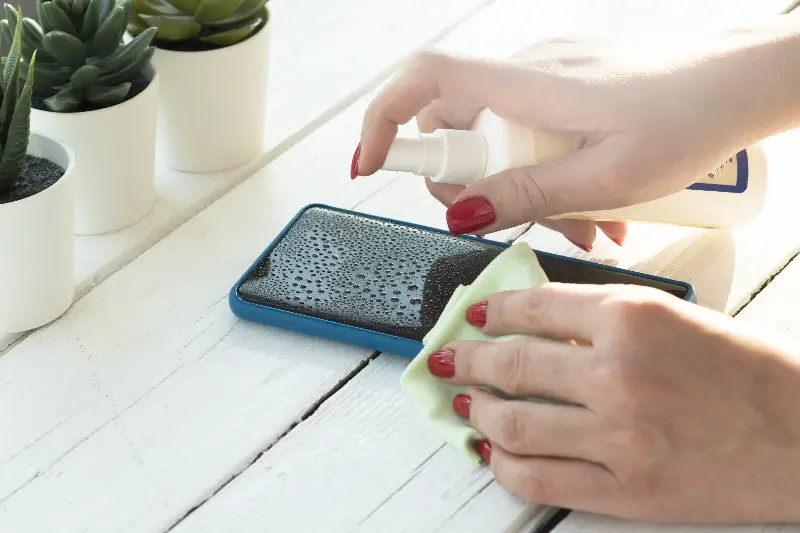
Never spray liquid directly onto a device. Instead, dampen your microfiber cloth and gently wipe surfaces. For sticky fingerprints or persistent smudges, make a solution with equal parts water and isopropyl alcohol. If cleaning inside ports or fans, always power off and unplug the device first. Use compressed air in short bursts, holding the can upright to prevent liquid propellant from escaping.
Keep in mind that household cleaners containing ammonia or bleach can permanently damage protective screen coatings. Alcohol wipes designed specifically for electronics are always a safer bet compared to generic antibacterial wipes.
ROUTINE CARE: HOW OFTEN IS ENOUGH?
You don’t need to be obsessive to see major benefits—consistency is more important than frequency. For most users, these timelines work well to keep hardware in peak condition:
- Screens and touch surfaces: Wipe down every two to three days to remove oils.
- Keyboards, mice, and remotes: Weekly cleaning keeps bacteria and dust at bay.
- Vents, fans, and ports: Monthly attention helps prevent catastrophic overheating.
- Smartphone cases: Clean weekly, especially if your device spends time on public surfaces.
Periodic deep cleans every few months, especially for shared devices, can work wonders to boost longevity. Don’t forget the items you rarely think about, like smart speaker grills or the underside of your wireless mouse.
BATTERY HEALTH: CLEAN CONTACTS AND SMART CHARGING
Modern batteries have impressive lifespans, but dirt and poor charging habits can cut them short. Corrosion or grime on charging ports and cables leads to slow charging and intermittent connections.
Wipe down charging cables regularly using a bit of isopropyl alcohol on a cotton swab. For stubborn debris in smartphone ports, a wooden or plastic toothpick (never metal) can gently dislodge lint without shorting out the electronics. Equally vital is practicing smart charging:
- The Sweet Spot: Avoid letting devices drain to 0% or stay at 100% for long periods. Keeping a charge between 20–80% keeps lithium-ion batteries healthier.
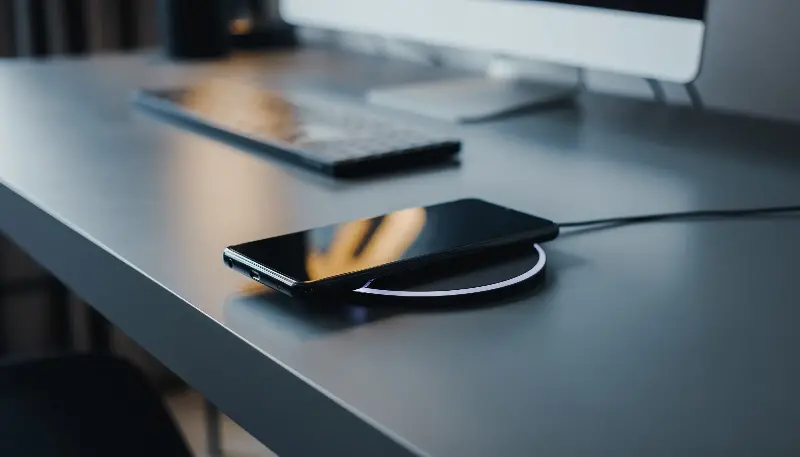
- Temperature Control: Keep devices cool while charging. Charging next to pillows, blankets, or in direct sunlight can cook the battery from the inside out.
SOFTWARE AND STORAGE MAINTENANCE
Cleaning is more than surface-deep. Regularly updating your operating system and apps prevents slowdowns and reduces security risks. Old software is more prone to "bloat" and errors that drag down hardware speed. Additionally, make it a habit to offload unused apps, photos, and files. Cluttered devices have less available memory, which means more strain on hardware—think of it as digital dust that needs sweeping away.
SIMPLE HABITS, LONG-LASTING DEVICES
When you boil it down, regular cleaning and maintenance only takes a few minutes each week, but the payoff is years of added use. Stay gentle, use the right products, and treat your devices like the investments they are. Small, mindful routines are the secret to keeping your favorite tech working harder and longer—and leaving you with fewer headaches.