



Your digital life leaves a trail every day: old shopping accounts, unused apps, forgotten cloud folders, saved passwords, and social media posts from years ago. This trail is often called a digital footprint, and like a physical home, it benefits immensely from regular care and upkeep.
Data hygiene is the habit of reviewing, organizing, protecting, and deleting digital information. While it may sound like an administrative chore, maintaining good digital habits yields substantial rewards for your privacy, online security, and peace of mind. A few focused hours of digital cleaning can dramatically lower the risk of identity theft, speed up your devices, and put you back in control of your personal information.
Understanding Why Digital Clutter Matters
Every forgotten account can quickly turn into a hidden vulnerability. Data breaches occur regularly across various platforms, frequently exposing sensitive details like email addresses, passwords, phone numbers, and dates of birth.
When you leave old, unused accounts floating around, you face several key risks:
- Credential Stuffing Cyberattacks: The risk amplifies when you reuse passwords. If an old forum, shop, or online game account gets compromised, cybercriminals can test those leaked credentials on popular services such as your primary email, digital wallets, or streaming platforms.
- Unnecessary Financial Drain: Forgotten subscriptions can continue charging recurring monthly fees unnoticed. Additionally, leaving saved credit card details on obscure retail sites exposes your financial data during a corporate breach.
- Aggressive Data Profiling: Advertisers and data brokers actively collect info from loyalty programs, app trackers, online purchases, and public activity. These scattered pieces merge into detailed profiles mapping your daily routines, hobbies, and shopping preferences.
Take Control by Auditing Your Accounts
A practical, highly effective digital cleanup begins with a simple account audit. Start by searching your main email inbox for key trigger words like "welcome," "verify your email," "receipt," "subscription," or "password reset." These searches instantly uncover platforms you signed up for and completely forgot.
To streamline the process, categorize your online footprint into clear priorities:
- High-Priority Core Accounts: Focus immediately on your primary email, online banking, password vaults, cloud storage, healthcare portals, and primary social networks. Your main email requires maximum protection because it acts as the key recovery route for almost every other service.
- Implement Password Management: For every account you keep, transition to a unique, highly complex passphrase. Utilizing a reputable password manager allows you to generate and store robust credentials effortlessly while remembering only one master key.
- Enable Multi-Factor Authentication (MFA): Turn on MFA across all supporting platforms. Utilizing an authenticator app code, security key, or trusted device prompt introduces a crucial extra layer of defense against unauthorized logins.
- Properly Delete Unused Profiles: For services you no longer use, navigate to privacy or account settings to permanently execute a full account deletion. Simply removing an app from your phone leaves your sensitive records intact on remote servers.
Clean Up Your Personal Devices and Storage
Smartphones, tablets, and laptops usually store significantly more sensitive information than expected. Stray downloads often contain scanned records, travel itineraries, financial tax forms, or temporary documents left in plain text.
Practical Steps for Device Hygiene:
- Clear Out Downloads and Trash: Audit your local downloads folder, desktop workspace, and cloud storage directories. Delete temporary files permanently and ensure you empty the Recycle Bin or Trash folders to clear out recoverable data.
- Audit App Permissions: Remove applications you haven't opened in months—especially promotional shopping apps, casual games, and utility tools. Review access controls for your camera, microphone, contacts, location, and photo library. A standard weather or calculator app has no legitimate reason to read your contact list.
- Maintain Automated Software Updates: Security updates patch critical system vulnerabilities that bad actors actively seek out. Enable automatic operating system, browser, and software updates so your devices remain consistently protected.
Reduce the Amount of Data You Share
The most secure data is the information you never share in the first place. Before filling out online surveys or registration forms, pause and consider whether every requested detail is genuinely essential for the service provided.
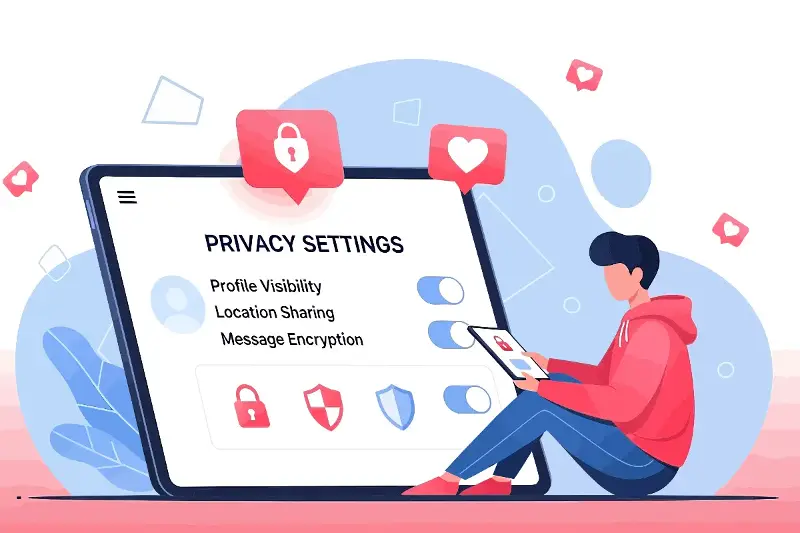
- Refine Social Media Visibility: Adjust privacy controls on social networks to restrict who views your past updates, photos, and location tags. Securing your history prevents casual observers from uncovering personal answers to common security questions.
- Streamline Your Inbox: Unsubscribe from promotional newsletters and marketing blasts that no longer serve you. A clean, uncluttered inbox makes suspicious phishing emails much easier to spot immediately.
- Practice Careful Link Navigation: Exercise caution with urgent communications demanding swift action or credential verification. Always visit an official website directly via your browser rather than clicking email links.
Turn Digital Cleaning Into an Easy Habit
Data hygiene is most effective when practiced as a light, regular routine rather than an overwhelming, once-in-a-decade project. Aiming for a brief seasonal review keeps your digital landscape lightweight and safe.
Spending just one hour every few months to cancel inactive subscriptions, update key credentials, purge unused apps, and back up important records yields immense long-term security. By taking deliberate, intentional steps to manage where your information resides, you transform your digital footprint from a passive liability into a clean, well-protected digital home.